

All scenarios
Demo recording · 1:39
Keep survey actions moving with a monthly Cowork report
HR analytics turns survey data into a dashboard, board deck, and action tracker; a monthly report surfaces upcoming and at-risk items before decisions.
Playing loads YouTube's privacy-enhanced player (youtube-nocookie.com); nothing connects to YouTube before that. Watch on YouTube
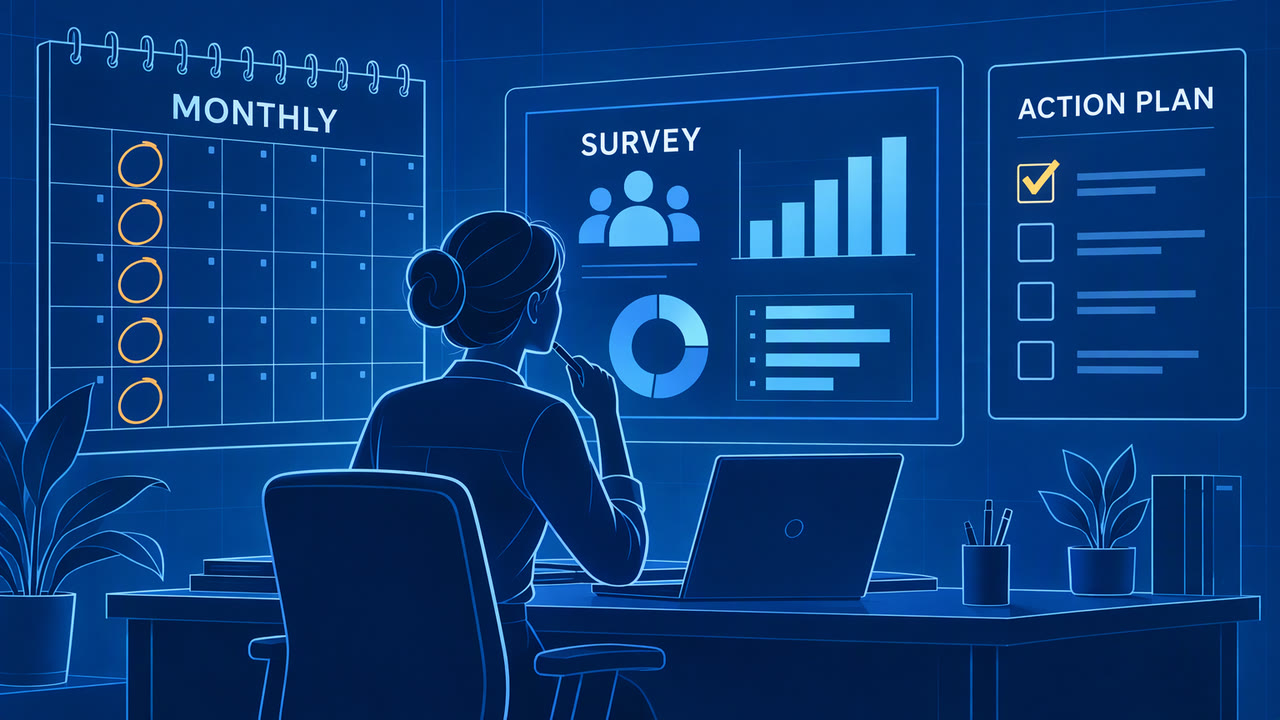
The cover is an AI-generated illustration; the video is a genuine screen recording.
Business problem
What Copilot did
Business value
Before you start
Prerequisites
- An active Microsoft Copilot license assigned to your account. Get started with Copilot Cowork
- Cowork enabled in your organization's Copilot environment. Get started with Copilot Cowork
- Usage-based and Cowork billing enabled. Get started with Copilot Cowork
- A modern browser; Microsoft Edge or Google Chrome is recommended. Get started with Copilot Cowork
Expected result
- The Cowork workspace shows Calisan_Baglilik_Panosu_2026.html, the eight-slide Calisan_Baglilik_Yonetim_Kurulu_Sunumu.pptx, and the five-sheet 90_Gunluk_Aksiyon_Takibi.xlsx.
- Changing dashboard filters recalculates participation, satisfaction, eNPS, intent to stay, and charts for the selected scope.
- The scheduling card shows 09:00 on the first Monday of each month and asks for approval before activation.
- The first report separates completed, overdue, upcoming, and at-risk actions; an email preview appears before Outlook sends it.
If you don't see it
- If Cowork is missing, check the toggle next to Chat in the Copilot app; if it is still unavailable, ask your admin to verify licensing, Cowork access, and usage-based billing.
- If the files are missing, check the workspace output for the HTML, PowerPoint, and Excel items.
- If the recurring task is missing, open Automations or the Scheduled tab in My tasks.
- If no email preview or approval card appears, stop the send and ask your admin to check the task and Outlook permission.
Pilot
- Measure
- Measure before and after: total preparation, checking, and handoff time; figure mismatches across the three outputs; correct status-classification rate.
- Approvers
- Not verified
- Stop if
- Not verified
In your company: data, start, first step
- Data
- Start
- First step
Tools used
Prompt
1. Calisan_Anketi_2026.xlsx Elimdeki çalışan bağlılık anketi verisinden İK liderliğinin kullanacağı interaktif bir HTML dashboard hazırla. Tek dosya olsun, tarayıcıda açıldığında çalışsın.

İçermesi gerekenler: • Üst bantta KPI kartları: katılım sayısı, genel memnuniyet ortalaması, eNPS skoru, kalma niyeti ortalaması • Departman bazında bağlılık skorlarını gösteren sıralı çubuk grafik • Beş boyut skorunu karşılaştıran grafik (Bağlılık, Yönetici, Gelişim, Kültür, Çalışma Deneyimi) • eNPS grup dağılımı: Destekçi, Pasif, Eleştirmen • Çalışma modeli kırılımında iş-yaşam dengesi karşılaştırması • Departman, kıdem ve çalışma modeli için filtre seçenekleri; filtre değişince tüm grafikler güncellensin • En zayıf üç alanı vurgulayan bir uyarı bölümü

Kurumsal ve sade bir tasarım kullan, mobilde de düzgün görünsün. Tüm metinler Türkçe olsun.

2. Bu arada ayrı bir iş: dashboard'daki bulguları yönetim kuruluna sunmak için 8 slaytlık bir sunum ve 90 günlük aksiyon takip dosyası (Excel) hazırla.

3. Dashboard'a kıdem gruplarına göre eNPS dağılımını gösteren bir grafik daha ekle ve renk paletini kurumsal maviye çevir.

4. Her ayın ilk Pazartesi günü 09:00'da anket aksiyon takip dosyasını kontrol et; tamamlanan, geciken ve termini yaklaşan maddeleri özetleyen bir ilerleme raporu hazırla.These are the four original Turkish prompts used in order. Change the file name, chart scope, schedule, and recipient only for your authorized environment.
Scope
Sources
Links go to official Microsoft pages.
Publication approval: AI review on the owner's instruction; not a human editor review.