

The Microsoft 365 Copilot ecosystem
A short map of the parts a team meets when it works with Microsoft 365 Copilot. Each section is based on, and links to, Microsoft's official pages. For details, licensing and availability, always check those official sources.
Last checked:
The ecosystem at a glance
Where to start
Section images are AI-generated illustrations; they don't show Microsoft product screens.
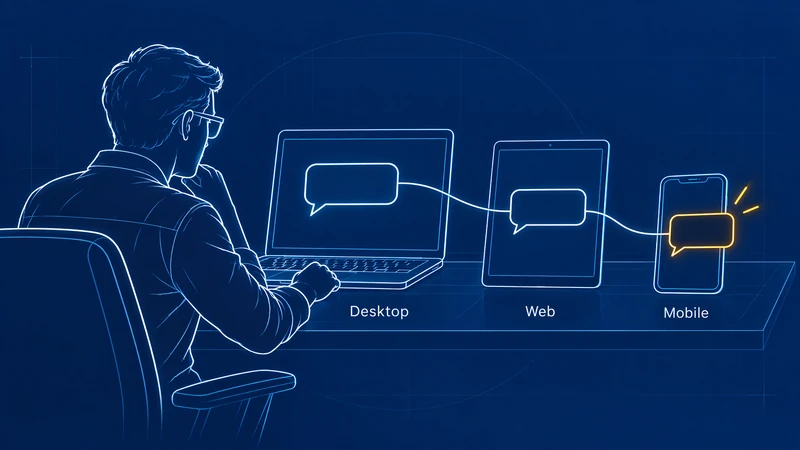
The Microsoft Copilot app and Copilot Chat
The Microsoft 365 Copilot app is now called Microsoft Copilot. It runs on desktop (Windows and Mac), on the web (copilot.cloud.microsoft) and on mobile (iOS and Android). Home brings Chat and Cowork together: Chat for quick answers and drafting, Cowork for multistep tasks you want Copilot to complete.
What you get depends on the account you sign in with. A work or school account (Microsoft Entra) gives you enterprise data protection. Copilot Chat, included with eligible Microsoft 365 licenses, primarily uses web data; you provide organizational content yourself by uploading a file with your prompt or by working with open content in Outlook and Teams.
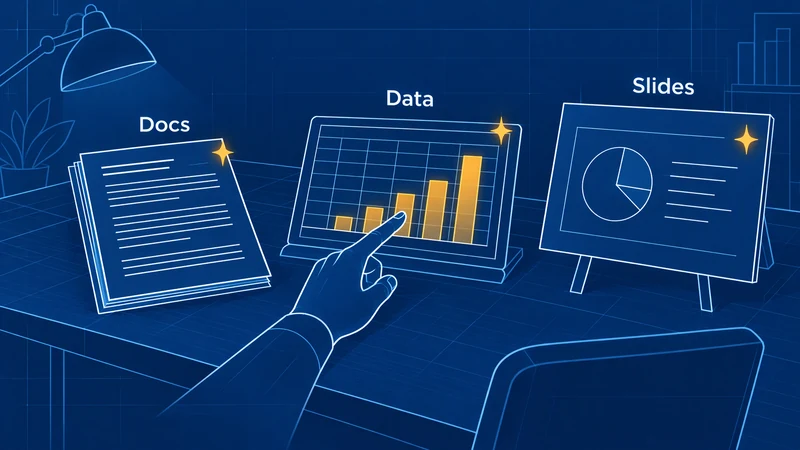
Copilot in Microsoft 365 apps
Copilot works inside the apps people use every day: it drafts and summarizes in Word, analyzes data and creates formulas and visuals in Excel, builds presentations from a prompt or existing content in PowerPoint, drafts emails and summarizes threads in Outlook, and summarizes meetings and captures action items in Teams.
The in-app experience varies with licensing and tenant configuration. The Microsoft 365 Copilot add-on license gives priority access to the full experience in Word, Excel, PowerPoint and OneNote.
Official sources
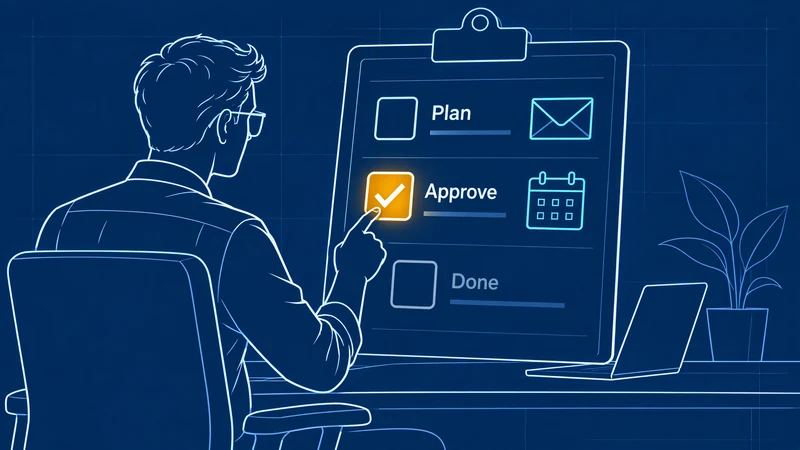
Copilot Cowork
Cowork carries out tasks on your behalf: it sends emails, schedules meetings, creates Word, Excel and PowerPoint files and posts in Teams. You approve each action before it happens, and Cowork shows every step in your session.
Cowork for work or school accounts is generally available. It requires a Microsoft 365 Copilot license and an assigned usage-based billing policy.
Related video
Playing loads YouTube's privacy-enhanced player (youtube-nocookie.com); nothing connects to YouTube before that. Watch on YouTube
Official sources

Agents and the Agent Store
Agents are scoped, focused versions of Copilot that act as AI assistants and can automate business processes.
The Agent Store is the hub in Microsoft Copilot where you discover and install agents. It brings together agents from Microsoft, trusted partners and your own organization. Admins review prebuilt agents from Microsoft and partners in the Microsoft 365 admin center and make them available to users.
Related video
Playing loads YouTube's privacy-enhanced player (youtube-nocookie.com); nothing connects to YouTube before that. Watch on YouTube
Official sources
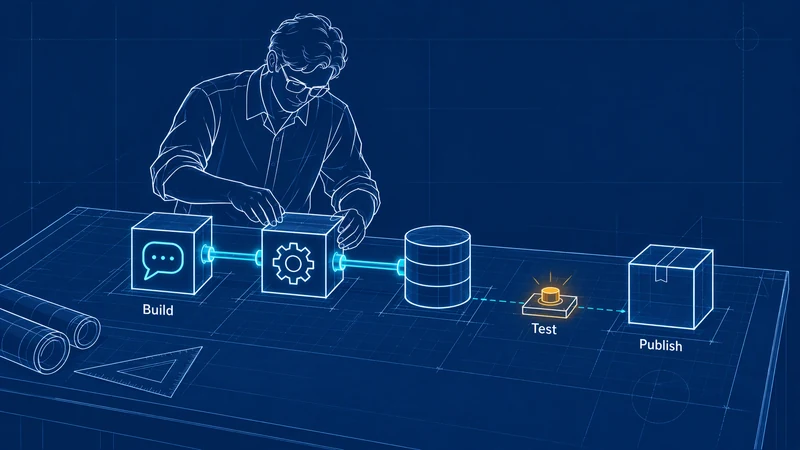
Copilot Studio
Copilot Studio is a low-code studio for building and managing agents and workflows. You can describe an agent in plain language, test it before you publish, and connect it to your organization's data and systems through prebuilt or custom connectors.
Agents can work in channels such as Teams, Microsoft Copilot, websites and mobile apps. Admins review and approve agents built in Copilot Studio in the Microsoft 365 admin center; only then do they appear in the Agent Store.
Related video
Playing loads YouTube's privacy-enhanced player (youtube-nocookie.com); nothing connects to YouTube before that. Watch on YouTube
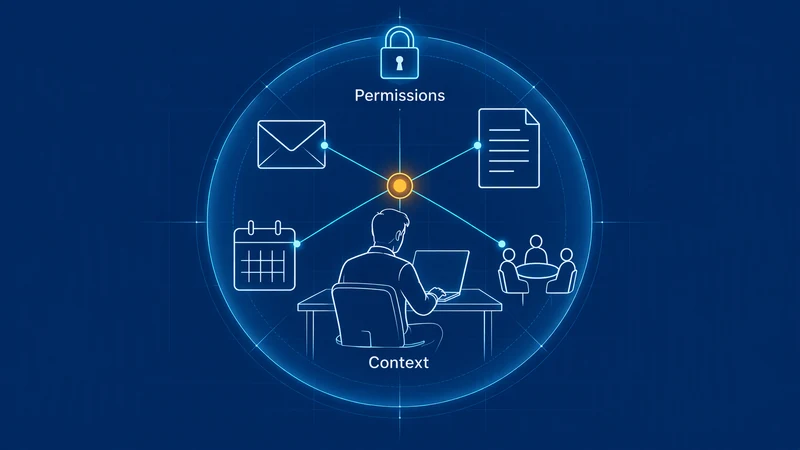
Work IQ, data and grounding
Copilot grounds its responses in web data and in organizational data (Microsoft Graph and Work IQ), and access is always scoped by the user's permissions. Work IQ is an intelligence layer that lets agents reason over organizational data, content and tools.
With a Microsoft 365 Copilot (Premium) license you can turn Work IQ on or off. When it is on, responses are enriched with work context such as emails, files, meetings and calendars; when it is off, that context is not used. Work IQ also covers business data from Dynamics 365 and Power Platform.
Related video
Playing loads YouTube's privacy-enhanced player (youtube-nocookie.com); nothing connects to YouTube before that. Watch on YouTube
Official sources
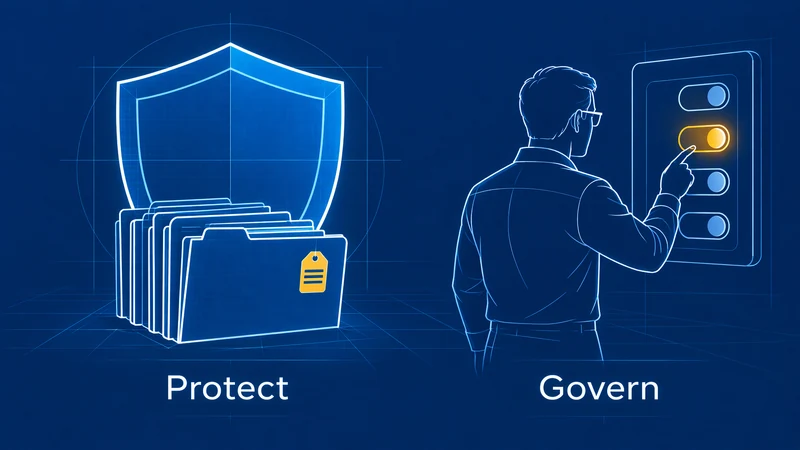
Security, privacy and administration
When users sign in with a Microsoft Entra account, prompts and responses are covered by enterprise data protection (EDP). Prompts, responses and data accessed through Microsoft Graph aren't used to train foundation large language models. Copilot follows Microsoft's existing privacy, security and compliance commitments to Microsoft 365 commercial customers, including GDPR and the EU Data Boundary.
In the Microsoft 365 admin center, Copilot controls let admins manage whether Copilot Chat is pinned, how users create and use agents, and the web search policy. Microsoft Purview helps label data by sensitivity, and SharePoint Advanced Management helps reduce oversharing.
Related video
Playing loads YouTube's privacy-enhanced player (youtube-nocookie.com); nothing connects to YouTube before that. Watch on YouTube

Licensing and adoption
Copilot experiences differ by data grounding, integration depth and licensing: Copilot Chat (Basic), Microsoft 365 Copilot (Basic), Microsoft 365 Copilot (Premium) and usage-based capabilities such as Cowork. Availability can vary by market; check the official page for current terms.
The Microsoft Adoption site offers separate guidance for users, champions, leaders and IT admins: setting a strategy, launching Copilot to a team and tracking impact. Admins can follow adoption over time with usage reports. For news, follow the Microsoft Copilot Blog on Microsoft Tech Community.
Sources
Links go to Microsoft's official pages. Last checked: .
- Get started with the Microsoft Copilot app
https://support.microsoft.com/en-us/microsoft-365-copilot/what-is-microsoft-copilot-app - What is Microsoft Copilot?
https://learn.microsoft.com/en-us/copilot/plan/copilot-overview - Copilot Cowork overview
https://learn.microsoft.com/en-us/copilot/cowork/ - Agent Store in Microsoft Copilot
https://learn.microsoft.com/en-us/copilot/manage/copilot-agent-store - Overview - Microsoft Copilot Studio
https://learn.microsoft.com/en-us/microsoft-copilot-studio/fundamentals-what-is-copilot-studio - Work IQ overview
https://learn.microsoft.com/en-us/microsoft-365/copilot/extensibility/work-iq/ - Data, Privacy, and Security for Microsoft Copilot
https://learn.microsoft.com/en-us/copilot/plan/microsoft-365-copilot-privacy - Copilot controls overview
https://learn.microsoft.com/en-us/copilot/implement/copilot-controls-overview - Microsoft Copilot – Microsoft Adoption
https://adoption.microsoft.com/en-us/copilot/ - Microsoft Copilot Blog (Microsoft Tech Community)
https://techcommunity.microsoft.com/category/microsoft-copilot/blog/microsoft-copilot-blog